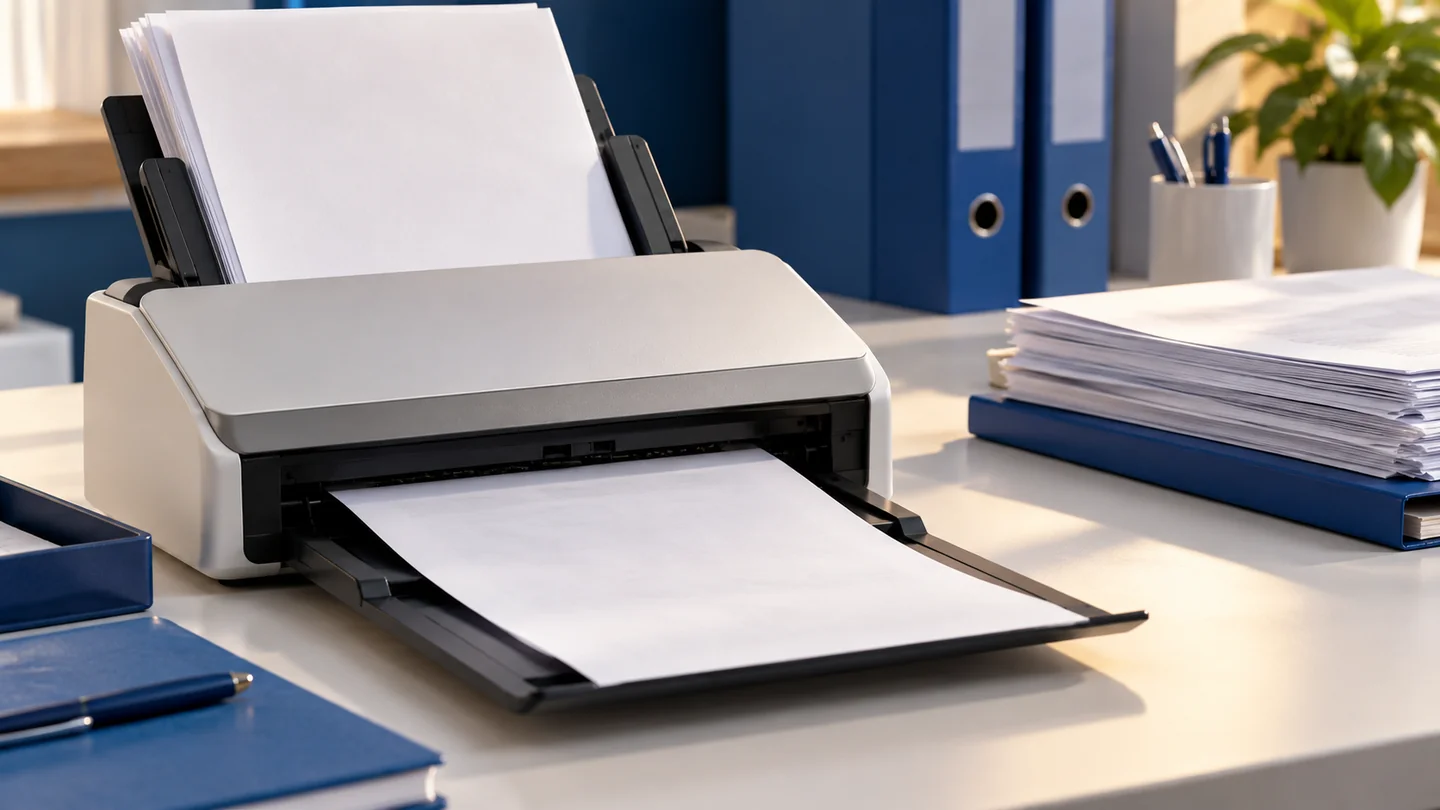
Intelligent document processing & OCR

From Incoming Files.
To Usable Records.

Extract, classify and validate information from invoices, forms, PDFs and scanned documents, with review queues and connections to business systems.

THE BUSINESS CONTEXT

Start with
What Matters.

Documents often arrive in formats that do not match the system where staff need to enter them. Copying fields by hand takes time, and errors can propagate into purchasing, accounting and customer records. Intelligent document processing creates a structured path from a file to a reviewed record.

We begin with representative documents and the fields that matter to the receiving workflow. Text recognition, AI extraction and deterministic checks work together. Every proposed value should be traceable to the original document where practical.

YOUR FIRST ENGAGEMENT

A Useful
Starting Point.

Focused Pilot

Process one document family into a reviewer queue and an approved structured export.

Discuss This Pilot

What We Need from You

Representative authorised files, target fields, validation rules and a reviewer who knows the process.

What We Can Measure

  • Field-level precision and recall
  • Documents requiring review
  • Processing time
  • Duplicate-record prevention

Measures are agreed for your project. Results depend on the data, workflow and evaluation; they are not guaranteed improvements.

WHAT WE DO

The Detail Behind
the Capability.

01

Understand Document Types and Variation

Collect authorised examples covering clean PDFs, scans, layouts, languages and edge cases. Define the required fields, tables and document classifications. OCR quality depends on input quality; handwritten notes and poor scans may need a separate feasibility check. Sampling the difficult cases early helps set useful acceptance criteria.


02

Extract Fields with Evidence

Read text and tables, normalise dates and units, and retain page or region references. Distinguish a missing value from a guessed value. Document text is treated as input to be interpreted, not as instructions that can change the system’s behaviour. Extraction formats are versioned to match downstream applications.

03

Apply Checks and Review Exceptions

Validate totals, required fields, reference numbers and duplicates against approved rules. Route mismatches and uncertain results to a reviewer with the original file visible. Confidence signals are tested against real errors; a model’s self-reported certainty is not accepted as proof that a field is correct.

04

Deliver Records into the Workflow

Export reviewed data to CSV, a database, an ERP or a business application through authorised interfaces. Track document status and prevent repeated processing from creating duplicate records. Retention, deletion and access settings apply to both original files and extracted information.

A DEFINED ENGAGEMENT

Know What
You’re Building.

Your proposal defines the exact scope, responsibilities, milestones, and exclusions. Depending on the engagement, the work can include:

  • Document inventory and field schema
  • OCR and structured extraction pipeline
  • Field-level validation rules
  • Source-linked reviewer interface
  • Approved export or system integration
  • Benchmark dataset and accuracy report

WHERE IT FITS

Built Around a Useful Task.

Finance Teams

Prepare invoice records for checking and posting.

Operations Teams

Structure application forms and service documents.

Procurement Teams

Compare supplier quotes and supporting documents.

Understand Our Delivery Approach

A PRACTICAL FIRST STEP

Learn from a Focused Pilot.

Choose one useful task, agree how the result will be checked, and use the evidence to decide what should happen next.

Read the AI Pilot Guide

QUESTIONS, ANSWERED

A Few Useful Answers.

Does it work with scanned documents?

Potentially. We evaluate scan quality, language and document variation on a representative sample before committing to a scope.

Will every document be processed automatically?

Exceptions are expected. The pilot establishes which documents can follow an automated path and which need review, based on measured field accuracy and business rules.

Can it extract entire tables?

Yes, table extraction can be included. Multi-page tables, merged cells, unit differences and handwritten changes need dedicated examples and validation.

A CONVERSATION IS A GOOD PLACE TO START

Your Next Chapter.
Let’s Build It.

Talk to Plateau